
A clean desk setup starts with the right foundation. And when you are choosing a monitor for the Setup Cockpit, the most important question is not just how many inches your screen has. It is also about how you want the monitor to sit within your setup.
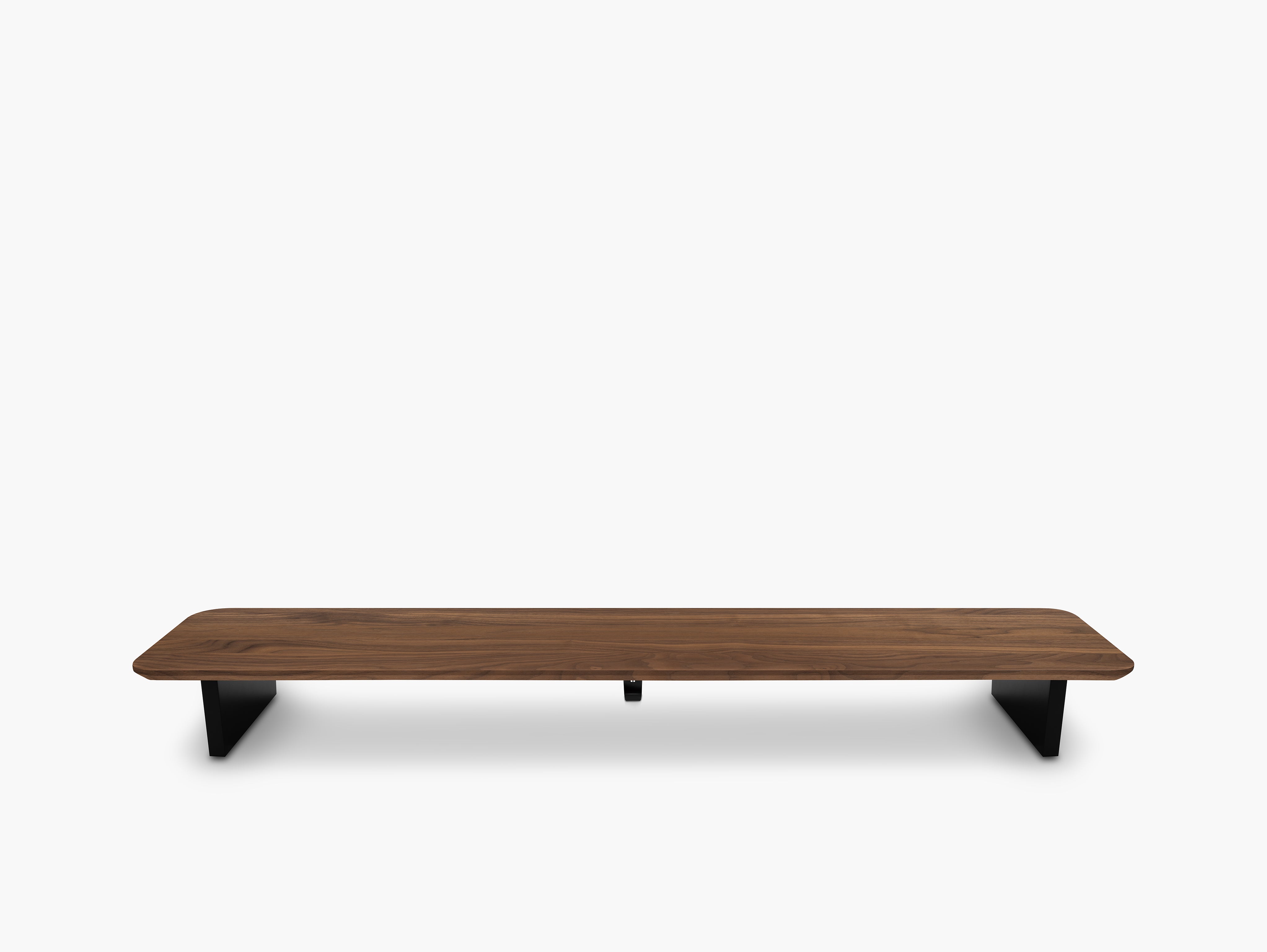
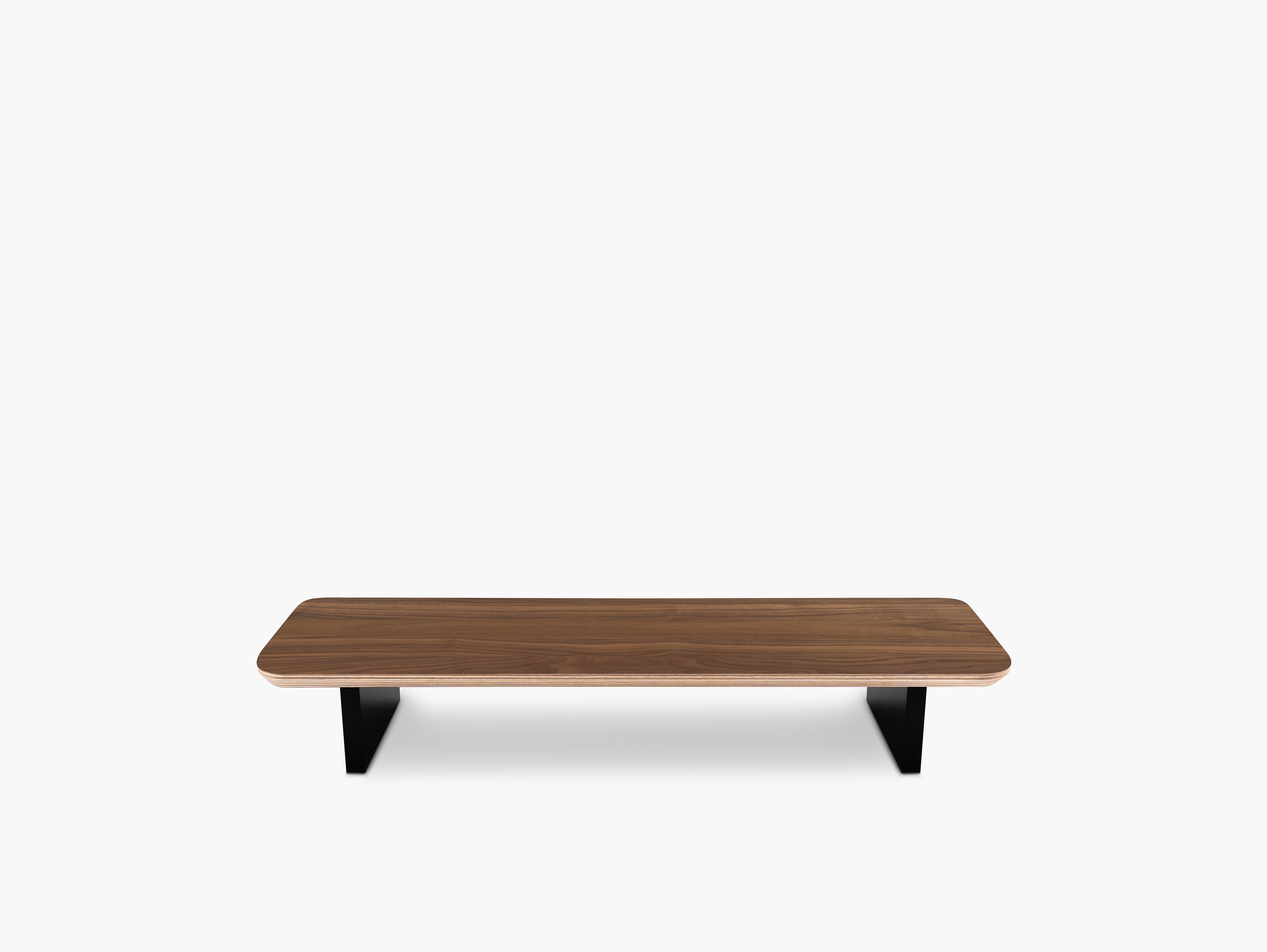
The best Setup Cockpit size depends on your monitor size, stand footprint, and whether you use a monitor arm. In general, the Setup Cockpit Medium works best for 24-inch and many 27-inch monitors, while the Setup Cockpit Large is better for bigger 27-inch screens, 32-inch monitors, ultrawides, and dual-monitor setups.
At BALOLO, we designed the Setup Cockpit to work with different workflows, desk sizes, and screen configurations. Whether you are building a compact single-monitor setup or a more advanced workstation with a laptop and external display, the right combination depends on your space, your monitor stand, and the way you work every day.
And if there is one thing we know well, it is desk setups. After years of developing modular workspace products and seeing countless real-world configurations, we know that the best monitor setup is always the one that fits both your screen and your workflow.

Why the Monitor Setup Matters
A monitor does more than display your work. It shapes the entire feel of your desk.
The right setup can help you:
- create a cleaner and more structured workspace
- improve screen height and viewing comfort
- make better use of the space underneath and around your monitor
- integrate your laptop more naturally into the overall setup
- build a desk that feels intentional instead of improvised
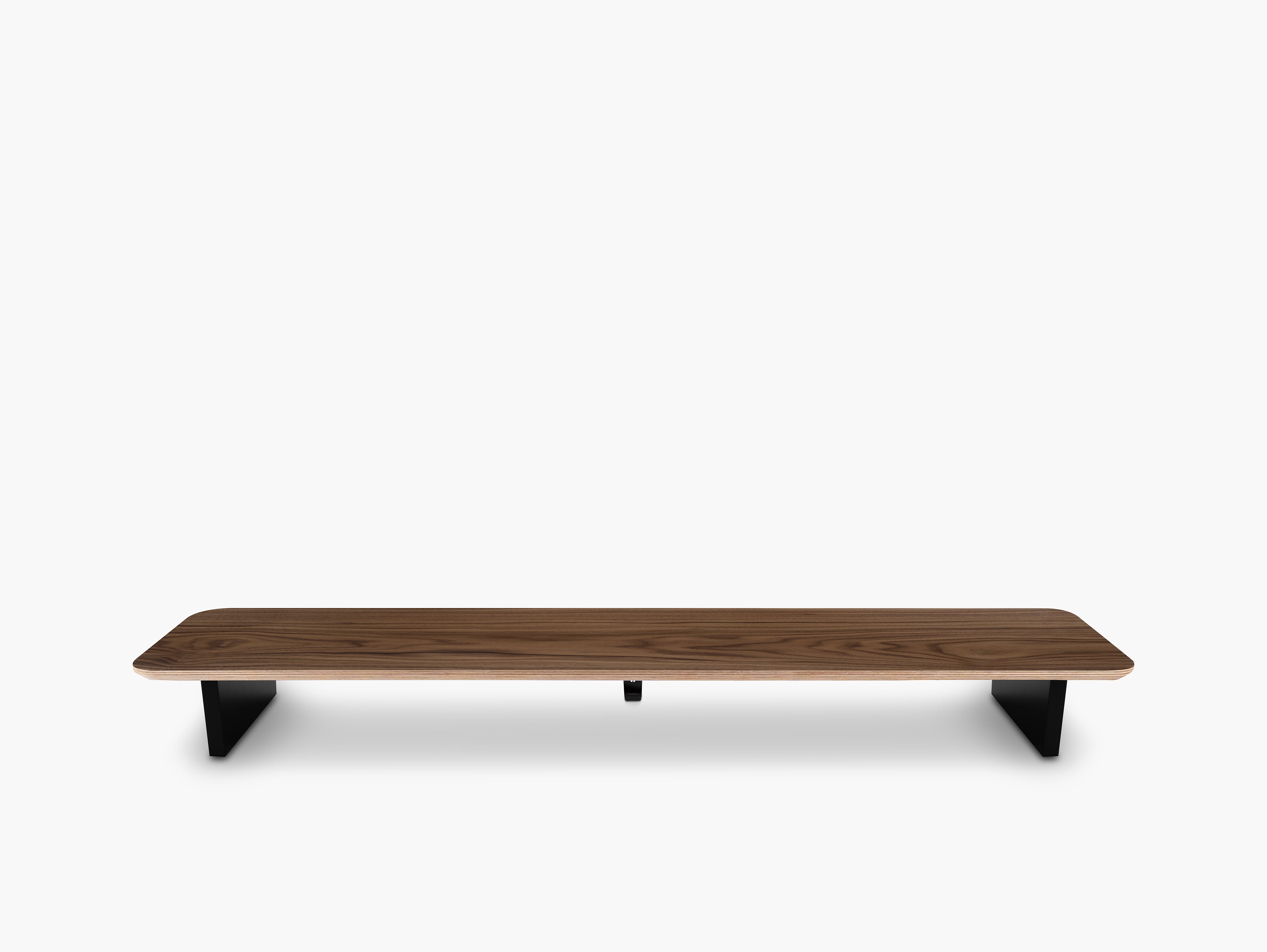
That is exactly where the Setup Cockpit comes in. It is not just a monitor riser but a modular base for a desk setup that looks better, feels more organized, and adapts to your workflow.
Through our years of experience in desk setup design, we have learned that small details like monitor position, stand footprint, and visual balance can completely change how a workspace feels and functions.
There Are Three Main Ways to Use a Monitor with the Setup Cockpit
When people ask which monitor fits the Setup Cockpit, the answer usually depends on one of these three setup styles.
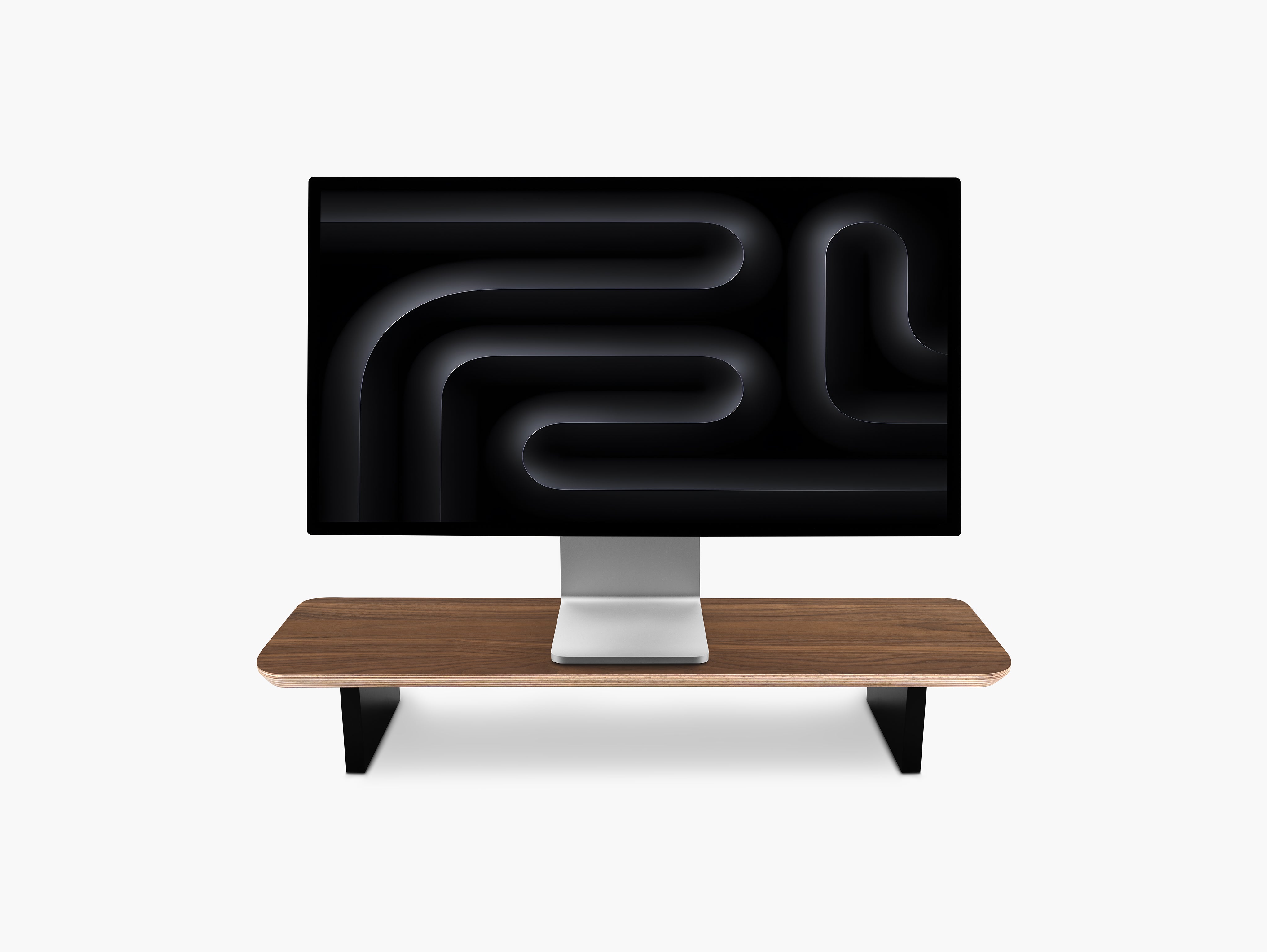
1. Place the Monitor Directly on Top of the Setup Cockpit
This is the most straightforward option and often the cleanest visually.
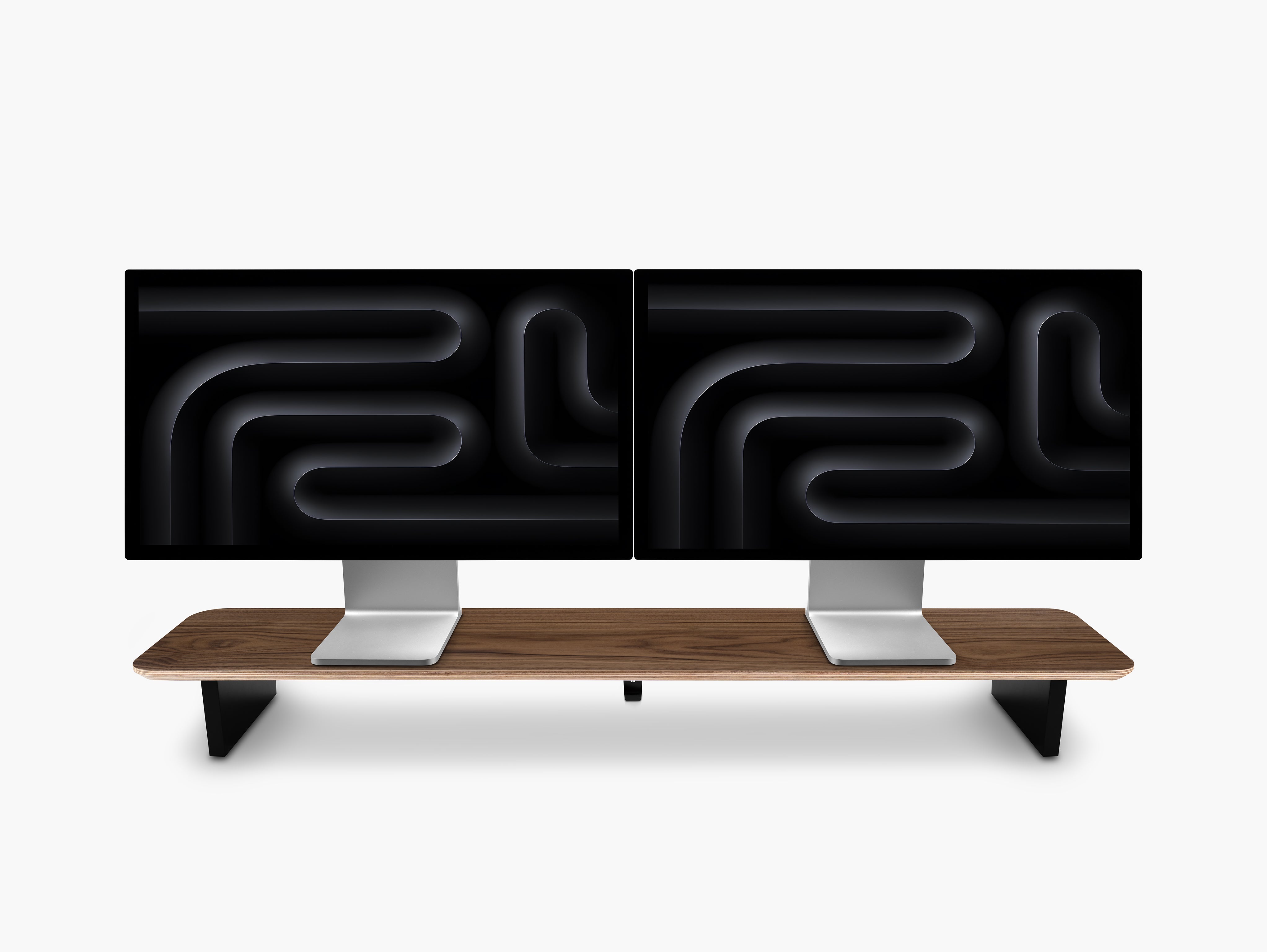
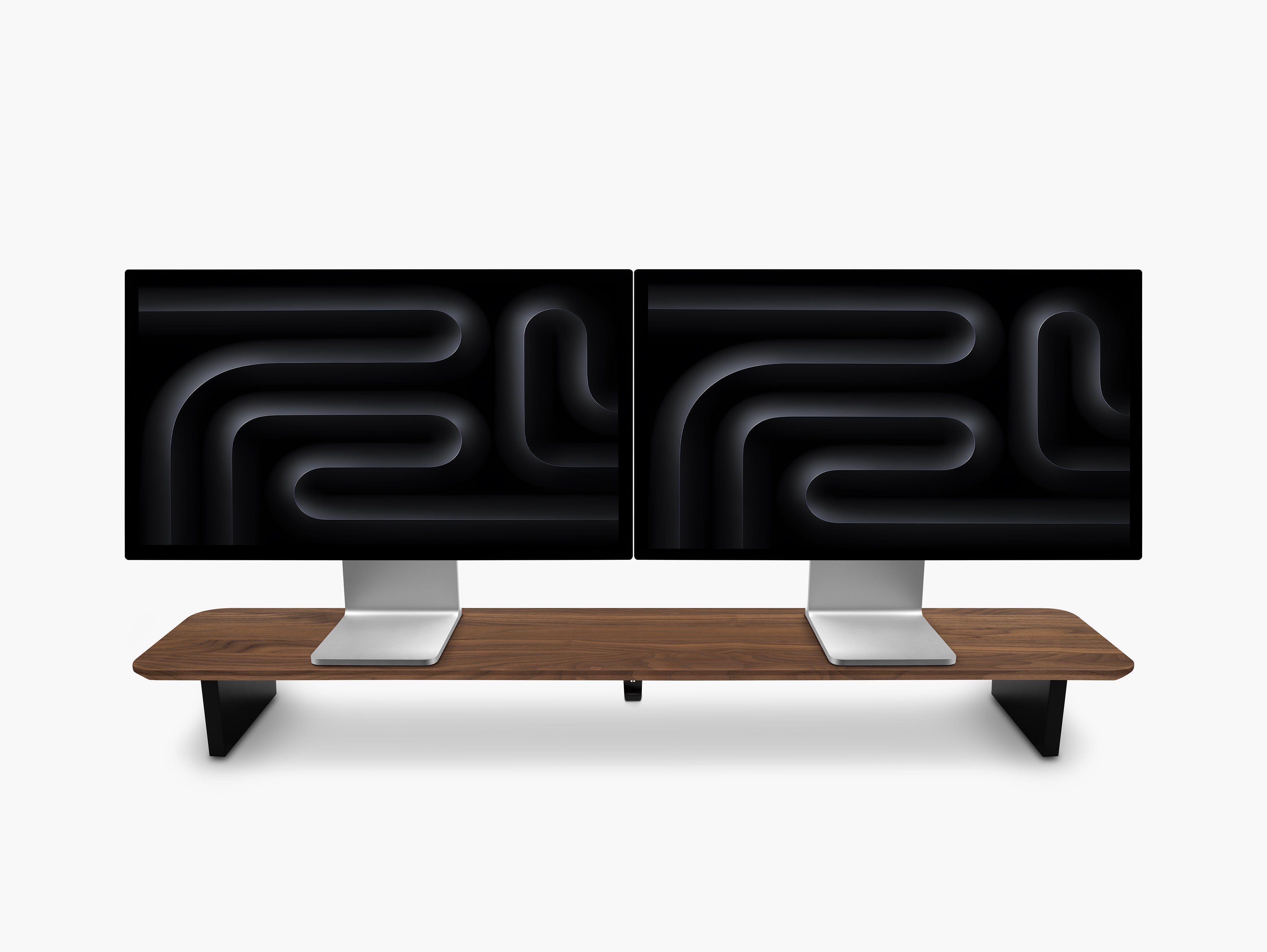
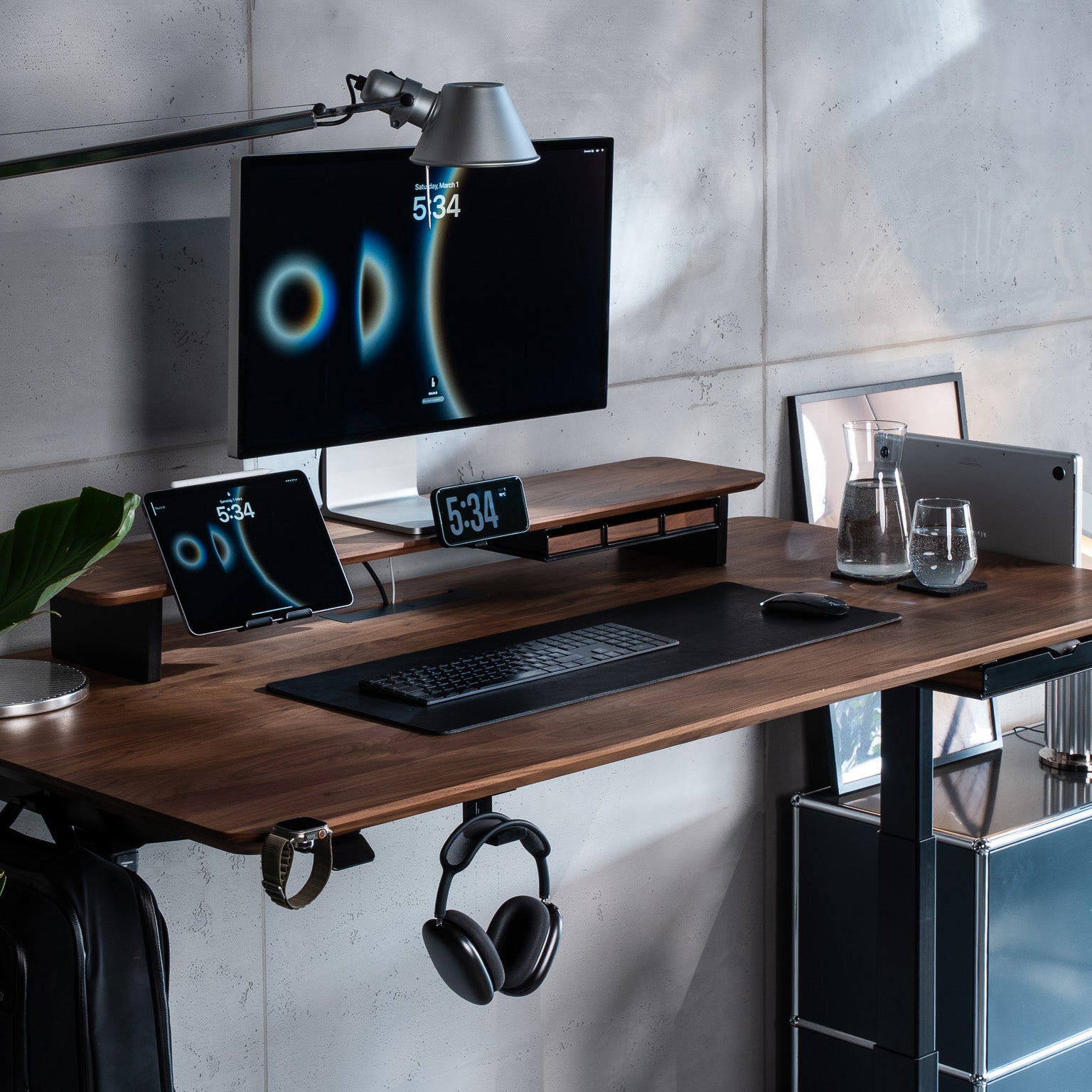
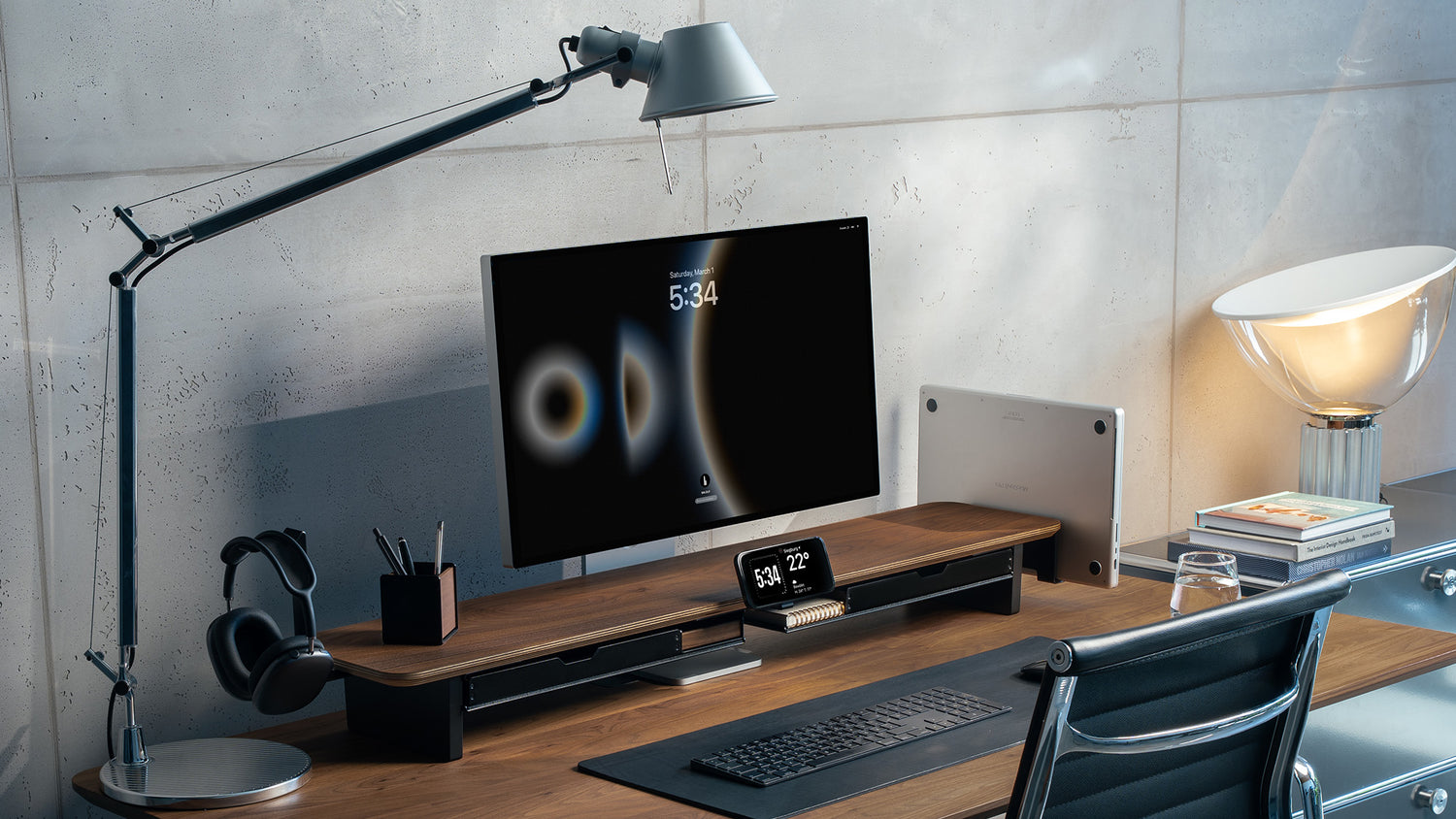
If your monitor has a compact stand, placing it directly on the desk shelf creates a simple, balanced look. The monitor becomes the focal point, and the Setup Cockpit gives it more presence while keeping your desk organized.
This option works especially well if you want:
- a minimalist desk setup
- an easy plug-and-play solution
- a monitor shelf setup without extra hardware
- a centered, uncluttered look
For many single-monitor desks, this is the easiest and most elegant solution.
It is also the setup style many people associate with the classic BALOLO look: clear lines, strong materials, and a monitor that feels intentionally placed instead of simply put on the desk.

2. Place the Monitor Stand Underneath the Setup Cockpit
This is one of the most overlooked but most effective setup options.
Depending on the shape and height of the monitor foot, you can often position the base underneath the desk shelf while the display rises above it. This creates a very clean layered look and can make the setup feel more integrated.
This option is ideal if you want:
- a little more visual lightness on the desktop
- a monitor positioned above the shelf line
- better use of the space underneath the shelf
- a clean setup without committing to a monitor arm
It is a great middle ground between simplicity and space efficiency.
From our experience, this option is especially underrated. It often gives you a cleaner visual result than expected while still keeping the setup simple and grounded.

3. Use a Monitor Arm with the Setup Cockpit
If flexibility is your priority, a monitor arm is the best option.
With a monitor arm, the screen floats above the desk shelf and can be adjusted more precisely. This keeps the Setup Cockpit surface open for accessories, speakers, laptops, or simply a cleaner look.
A monitor arm is especially useful if you:
- use a larger monitor
- want to fine-tune height and position
- prefer a more open desk shelf surface
- work with a laptop and external display together
- plan to expand or change your setup over time
For many users, this is the most future-proof setup.
If you like to refine your desk setup over time, a monitor arm gives you the most flexibility without limiting the modular possibilities around the Setup Cockpit.

Which Setup Cockpit Size Should You Choose?
The best Setup Cockpit size depends less on the monitor alone and more on the full setup around it.
The Setup Cockpit Medium is best for:
- compact desks
- single-monitor setups
- minimalist workspaces with fewer accessories
If your goal is a clean, focused small desk with one primary screen, the Setup Cockpit Medium is often the perfect fit. It keeps everything visually compact and works especially well in home office setups where space matters.
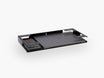
Setup Cockpit Medium dimensions: 74 x 23 x 12 cm (29.1 x 9 x 4.7 in.)

The Setup Cockpit Large is best for:
- wider monitors
- monitor-plus-laptop setups with more room
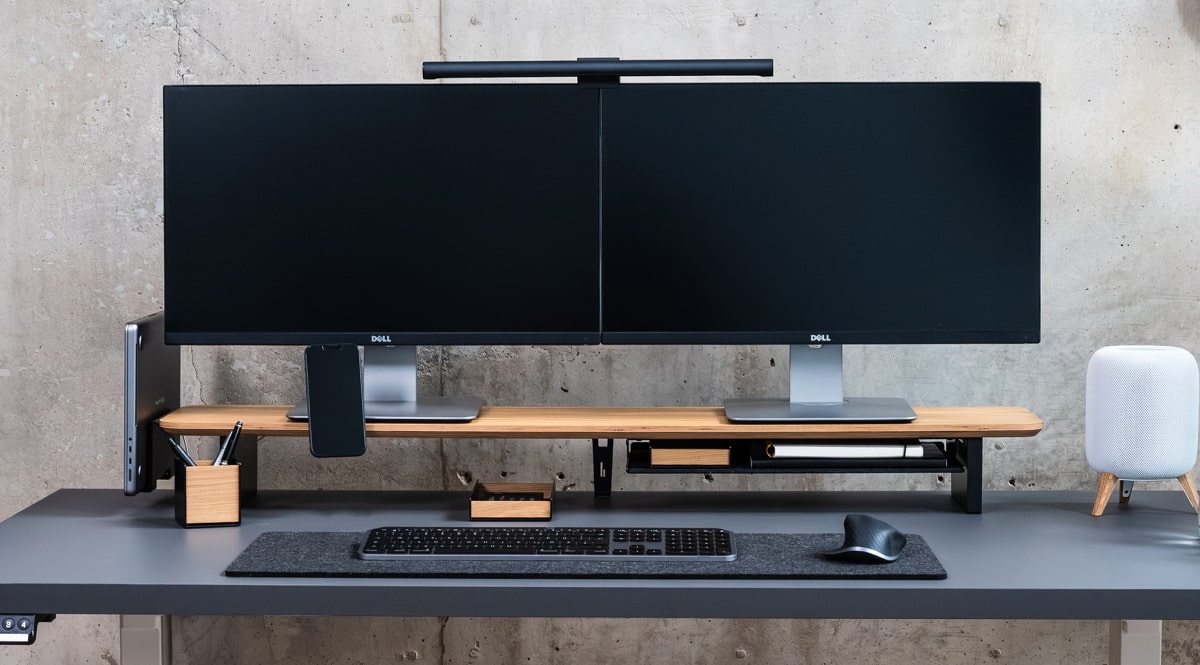
- dual-monitor setups
- larger desks
- more modular setups with accessories and add-ons
If you want a more spacious layout or you are planning a more advanced workstation, the Setup Cockpit Large gives you more freedom. It creates more visual balance with bigger displays and leaves more room for flexible combinations.
If you ask us which version gives most people the most room to grow, it is usually the Setup Cockpit Large. It simply gives you more freedom as your workflow evolves.
Setup Cockpit Large dimensions: 114 x 23 x 12 cm (45 x 9.1 x 4.7 in.)

Which Monitor Sizes Work Best?
There is no single fixed answer, because monitor stands vary a lot in width and depth. But in practice, some combinations are more natural than others.
Best for the Setup Cockpit Medium
The Setup Cockpit Medium works best for:
- 24-inch monitors
- many 27-inch monitors
- single-monitor setups with a compact stand footprint
- monitor-plus-laptop setups where space is used efficiently
If your monitor has a compact stand or you use a monitor arm, the Medium is the perfect solution for smaller desk spaces — keeping everything clean, light, and functional.
Best for the Setup Cockpit Large
The Setup Cockpit Large is the better option for:
- larger 27-inch monitors with wider stands
- 32-inch monitors in many setups
- ultrawide displays, depending on stand design
- monitor-and-laptop combinations with more spacing
- dual-monitor desk setups
The Setup Cockpit Large is the real eye-catcher when you want to create a unique and expressive desk setup. If you are unsure and want more flexibility, the Large version is usually the safer long-term choice. The extra width simply creates more balance and more options.
Monitor + Laptop: One of the Best Combinations
A monitor and laptop combination is one of the most practical modern desk setups.
Your external monitor acts as the main screen, while the laptop becomes a second display for messages, research, meetings, or creative tools. With the right setup, both screens feel visually connected instead of competing for space.
This is where the Setup Cockpit really shines.
You can:
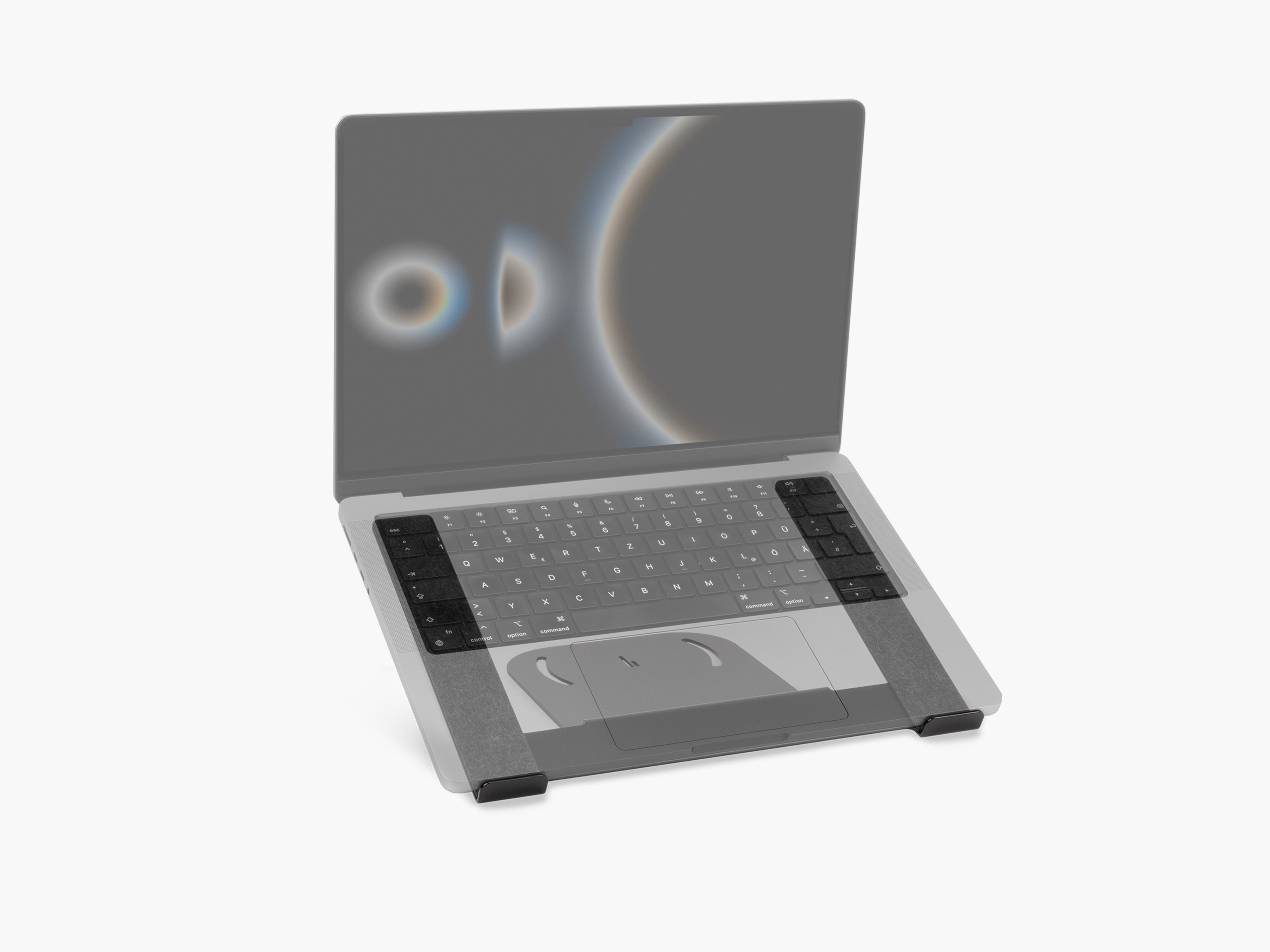
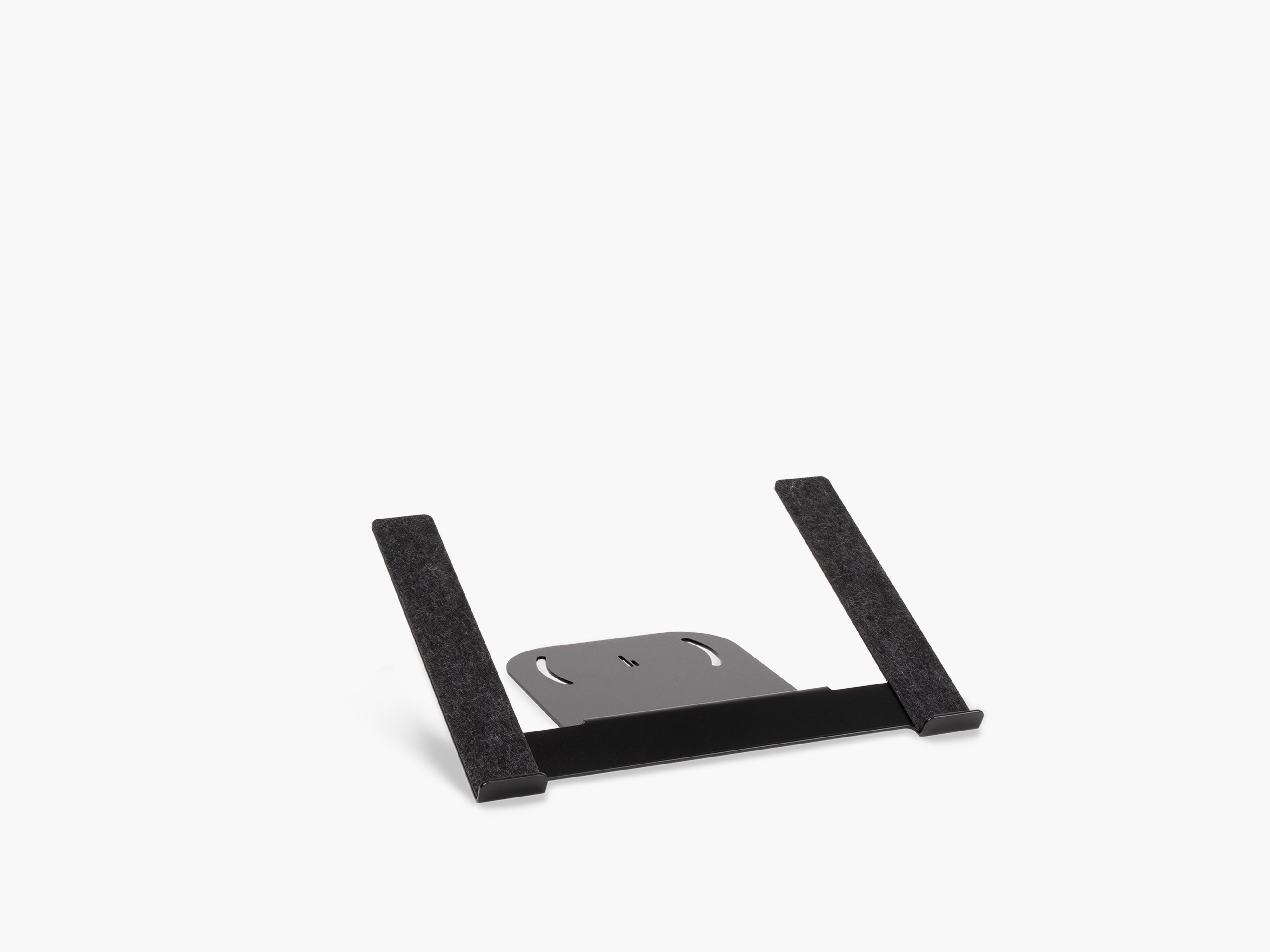
- place the monitor on top of the shelf and position the laptop beside it on our Laptop Riser
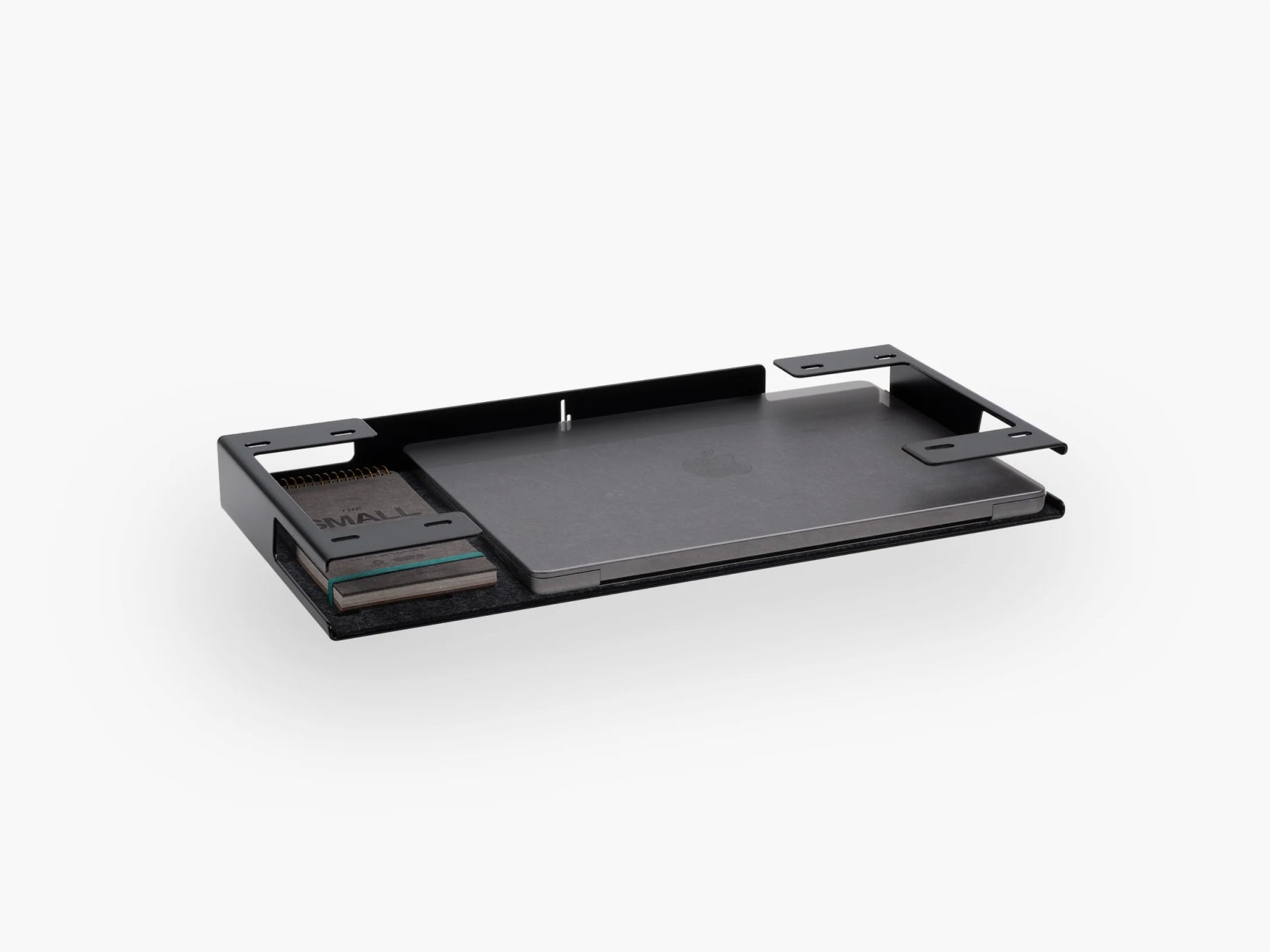
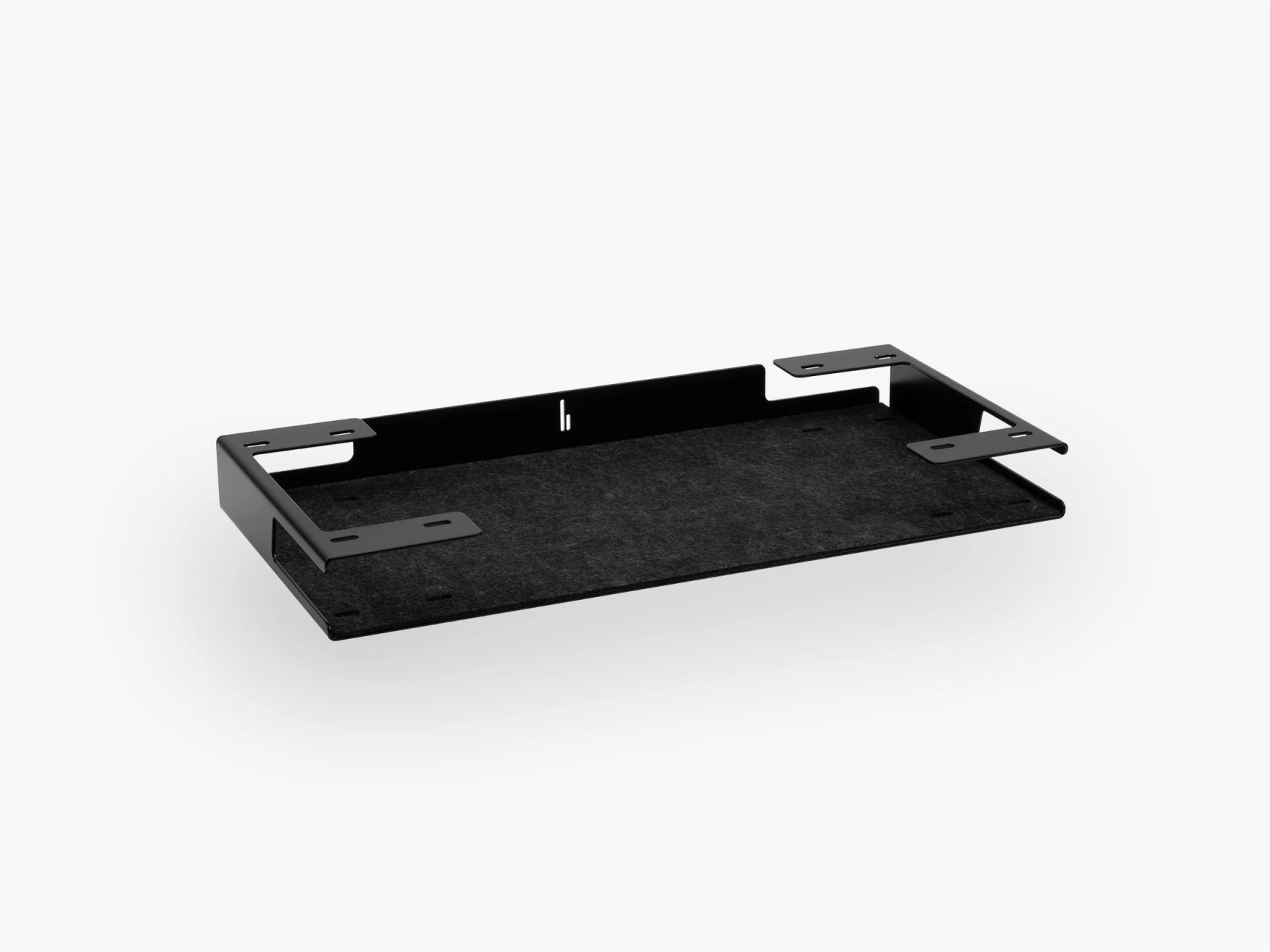
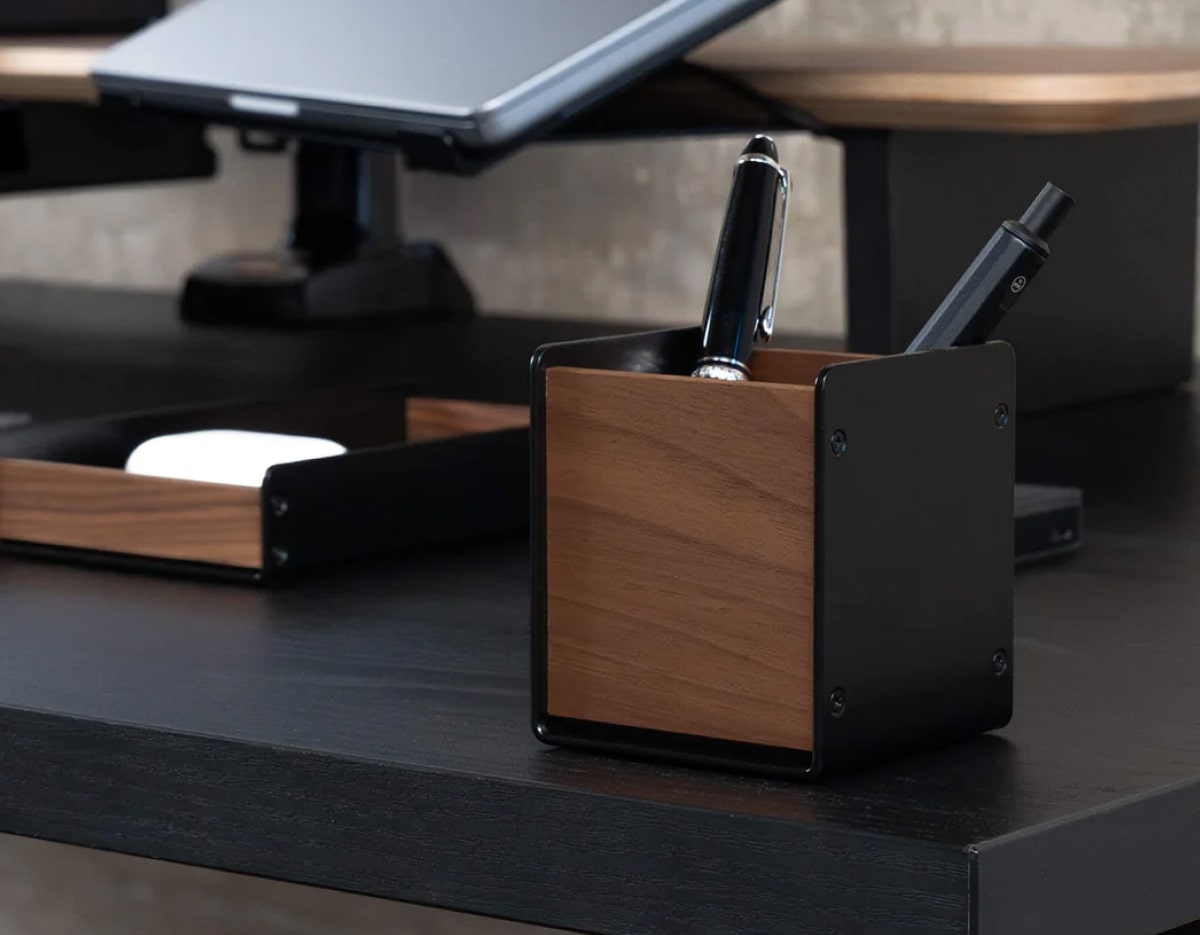
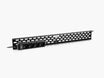
- place the monitor stand under the shelf and use the surface for additional storage with our Large Tray
- combine the Setup Cockpit with a Laptop Riser and monitor arm for a clean, premium workflow
If you regularly switch between laptop work and desktop-style productivity, this is one of the most effective ways to build a desk that supports both.
One combination we especially like comes from Pascal, our long-time team member and absolute desk setup expert. He prefers a large external monitor paired with a laptop on the Laptop Riser, because it keeps the main screen centered while the second display stays easy to reach without cluttering the setup.

Monitor on the Shelf or Monitor Arm: Which Is Better?
Both options work well. The right choice depends on the kind of setup you want.
Choose a monitor on the Setup Cockpit if you want:
- a simple, clean setup
- a strong visual connection between screen and desk shelf
- a minimal and grounded look
- the easiest installation
Choose a monitor arm if you want:
- more ergonomic flexibility
- a floating-screen look
- more free space on the shelf
- better support for larger displays
- a setup that can evolve more easily over time
The most popular choice among our customers is the classic look: the monitor standing directly on the Setup Cockpit. But if you love the idea of extra organization space on your Setup Cockpit surface, a desk-mounted monitor arm can be the better way to go.
If there is one thing our daily work has shown us, it is that there is no universal "best" setup. The best solution is the one that feels right visually, supports your workflow, and makes your desk easier to use every day.
Our Recommendations by Setup Type
To make the decision easier, here is the simplest way to choose.
Choose the Setup Cockpit Medium if you want:
- one monitor
- a compact desk setup
- a minimalist workspace
Choose the Setup Cockpit Large if you want:
- more flexibility
- a larger display
- extra space around the monitor
- a dual-monitor or monitor-plus-laptop setup
- a desk setup that can grow with your workflow
Our Take: What Works Best for Most People?
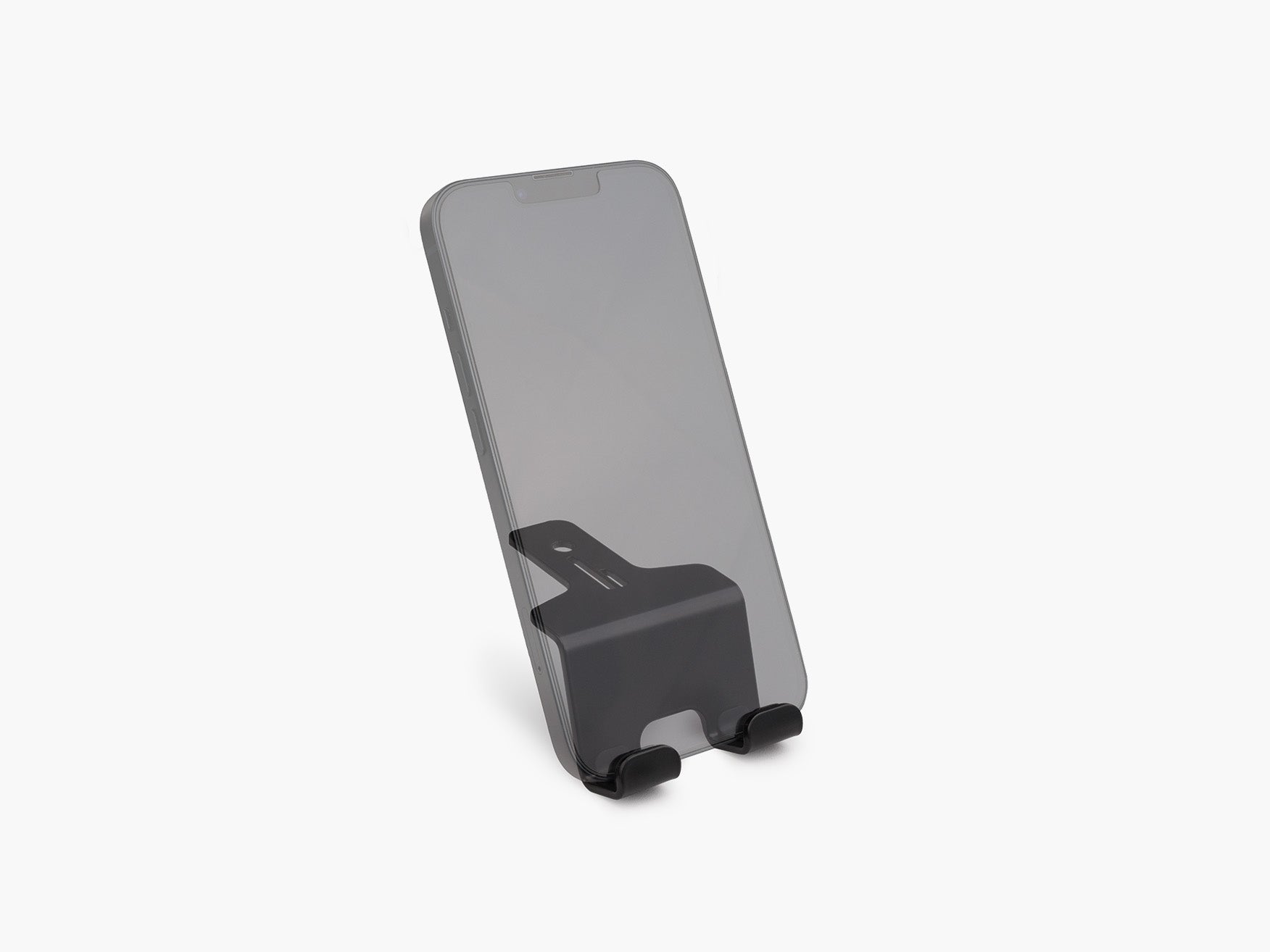
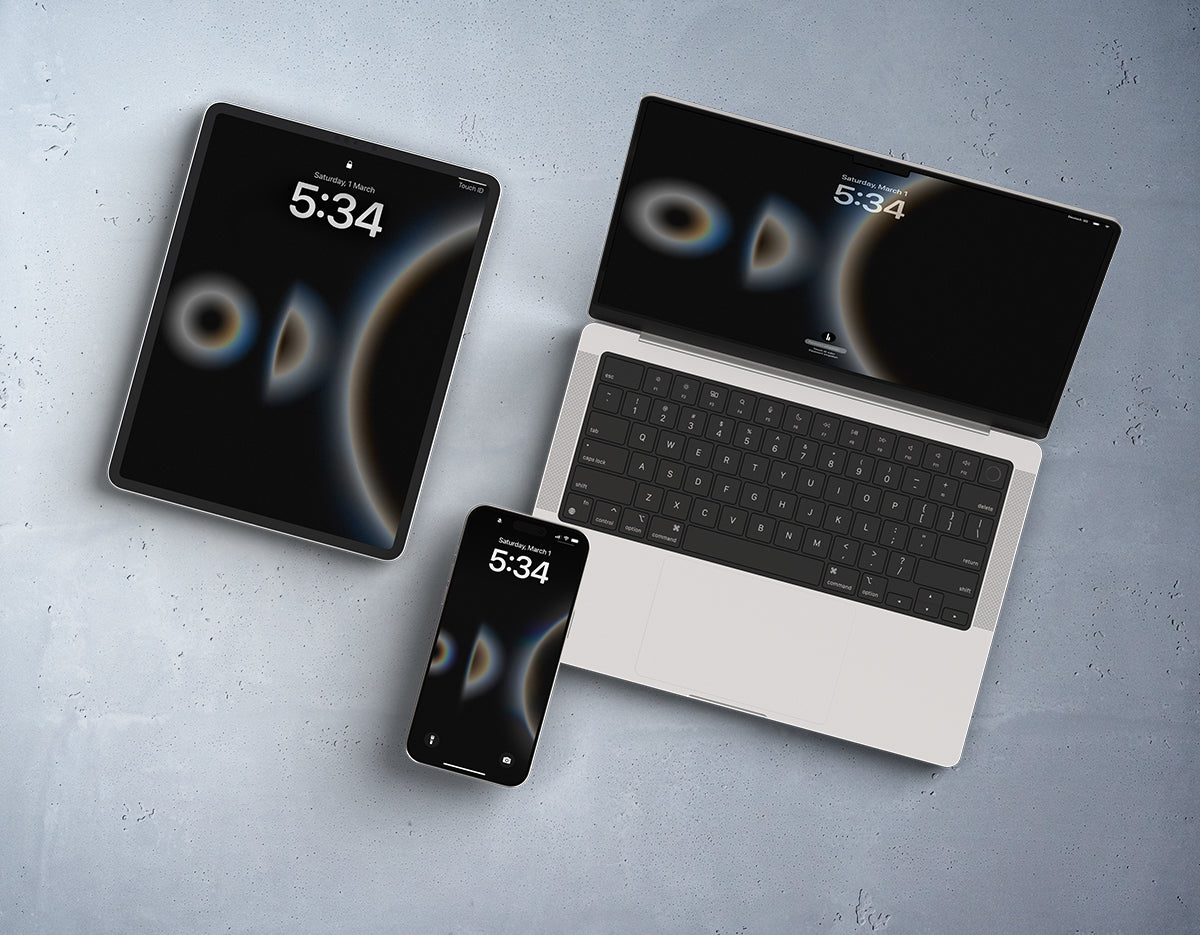
If you are building a clean multi-monitor desk setup, the Setup Cockpit Large is often the best place to start. It offers room for combinations with accessories like the Large Tray, the Phone Holder, or the Tablet Holder. This way you can flexibly create and evolve your own desk setup for maximum productivity.
That said, there is no single "correct" way to do it. The Setup Cockpit is designed to support all three approaches - which is what makes our system so unique. We focus on making our products so that you can personalize your desk setup to your wants, your workflow, and your style.
And honestly, if anyone knows desk setups, it is us. We have spent years thinking about how materials, modularity, proportions, and workflow come together on a desk. That experience is built into every Setup Cockpit and every accessory we develop.
At BALOLO, we believe a desk should do more than hold your tools. It should help you work better, feel calmer, and look exactly the way you want it to.
That is what the Setup Cockpit is built for.

Frequently Asked Questions
What monitor size works best with the Setup Cockpit?
The Setup Cockpit Medium works especially well with most 24-inch monitors and many 27-inch monitors with compact stands. The Setup Cockpit Large is better for larger 27-inch monitors, many 32-inch displays, ultrawide monitors, and dual-monitor setups.
Can I place my monitor directly on top of the Setup Cockpit?
Yes. This is one of the most popular setup options and creates a clean, classic desk setup with an easy plug-and-play feel.
Can I place the monitor stand underneath the Setup Cockpit?
Yes, in many cases. If your monitor stand has a low-profile base, the foot can sit underneath the Setup Cockpit while the display rises above it.
Which Setup Cockpit size is better for a single-monitor setup?
For most single-monitor setups, the Setup Cockpit Medium is the best choice, especially for compact desks and minimalist workspaces.
Is the Setup Cockpit Large better for dual monitors?
Yes. The Setup Cockpit Large usually offers the best fit and flexibility for dual-monitor setups.
Does the Setup Cockpit work with ultrawide monitors?
Yes. In most cases, the Setup Cockpit Large is the better option for ultrawide monitors, especially when combined with a monitor arm.
Can I combine the Setup Cockpit with other BALOLO accessories?
Yes. The Setup Cockpit is designed to work with accessories like our Laptop Riser, Large Tray, Phone Holder, and Tablet Holder.
What is the best desk setup option for smaller desks?
For smaller desks, the Setup Cockpit Medium is usually the best fit because it keeps the setup clean, compact, and organized.